
MT5 Order Types Explained: Market, Limit, and Stop Orders
Learn how market, limit, and stop orders work in MT5, how the four common pending orders differ, and what to check before submitting an order.
MT5 Order Types Explained: Market, Limit, and Stop Orders
When you open the MT5 order window, you may see several order types. The names can sound similar, but they describe different instructions for how an order should be submitted.
A market order is sent for execution at the available market price. A pending order waits for specified price conditions. The exact execution and trigger rules may vary by instrument and broker, so check the symbol’s specifications before trading.
1. Market Orders: Buy or Sell at the Available Price
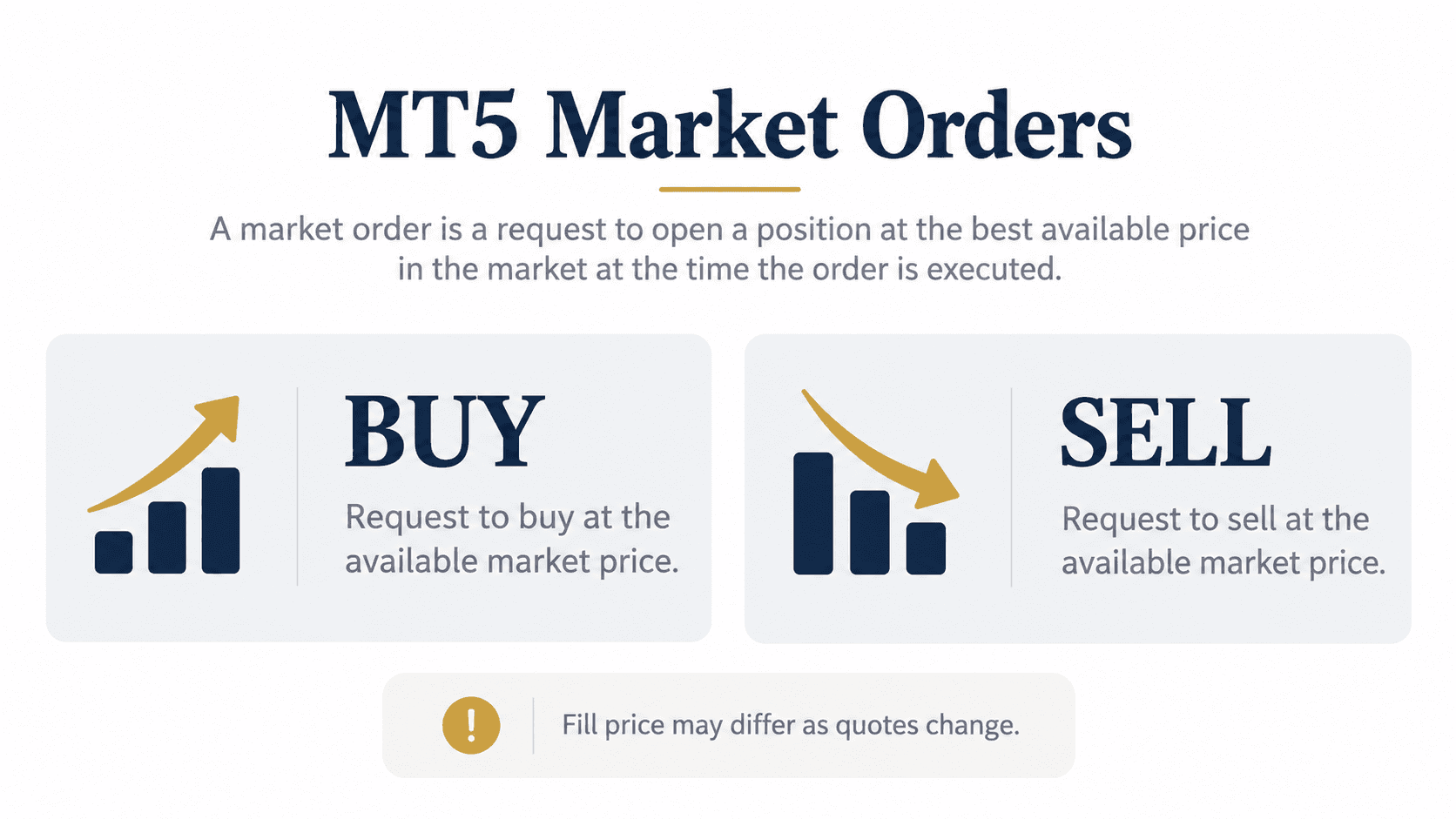
A market order tells the broker to buy or sell an instrument using the available execution method. In general, a buy uses the Ask quote and a sell uses the Bid quote, but execution depends on the instrument and the broker’s execution settings.
A market order does not guarantee a particular fill price. Quotes can move between the time an order is submitted and the time it is executed. The final result may differ from the price you saw when you clicked.
| Order | General meaning |
|---|---|
| Buy market order | Request to buy at the available market price |
| Sell market order | Request to sell at the available market price |
In MT5, select the symbol, open a new order window, choose the order type, enter the volume, and review the details before submitting. The available options and labels can vary by broker.

2. Pending Orders: Limit and Stop
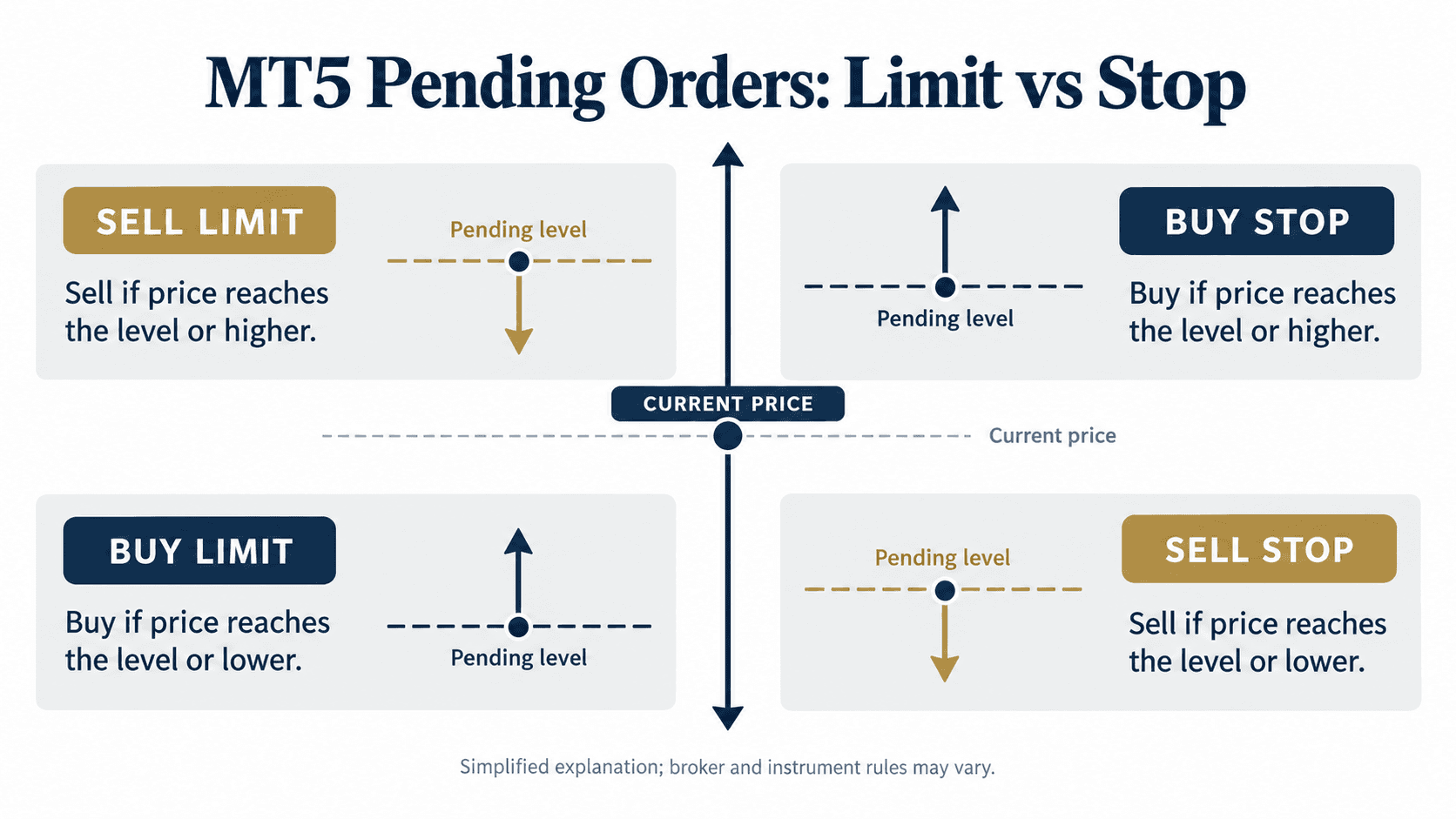
A pending order is an instruction to place a trade if specified price conditions are met. MT5 includes several pending order types. The basic four are Buy Limit, Sell Limit, Buy Stop, and Sell Stop.
| Pending order | Typical placement relative to current price | General instruction |
|---|---|---|
| Buy Limit | Below the current price | Buy if the Ask reaches the specified price or lower |
| Sell Limit | Above the current price | Sell if the Bid reaches the specified price or higher |
| Buy Stop | Above the current price | Buy if the Ask reaches the specified price or higher |
| Sell Stop | Below the current price | Sell if the Bid reaches the specified price or lower |
A limit order is commonly used when the instruction is to buy lower or sell higher than the current price. A stop order is commonly used when the instruction is to buy after the price rises to a level or sell after it falls to a level.
These are descriptions of order mechanics, not suggestions about which order to choose. A price reaching an order level does not guarantee the exact fill price or that an order will be filled in every market condition.
3. Check the Order Before You Submit It
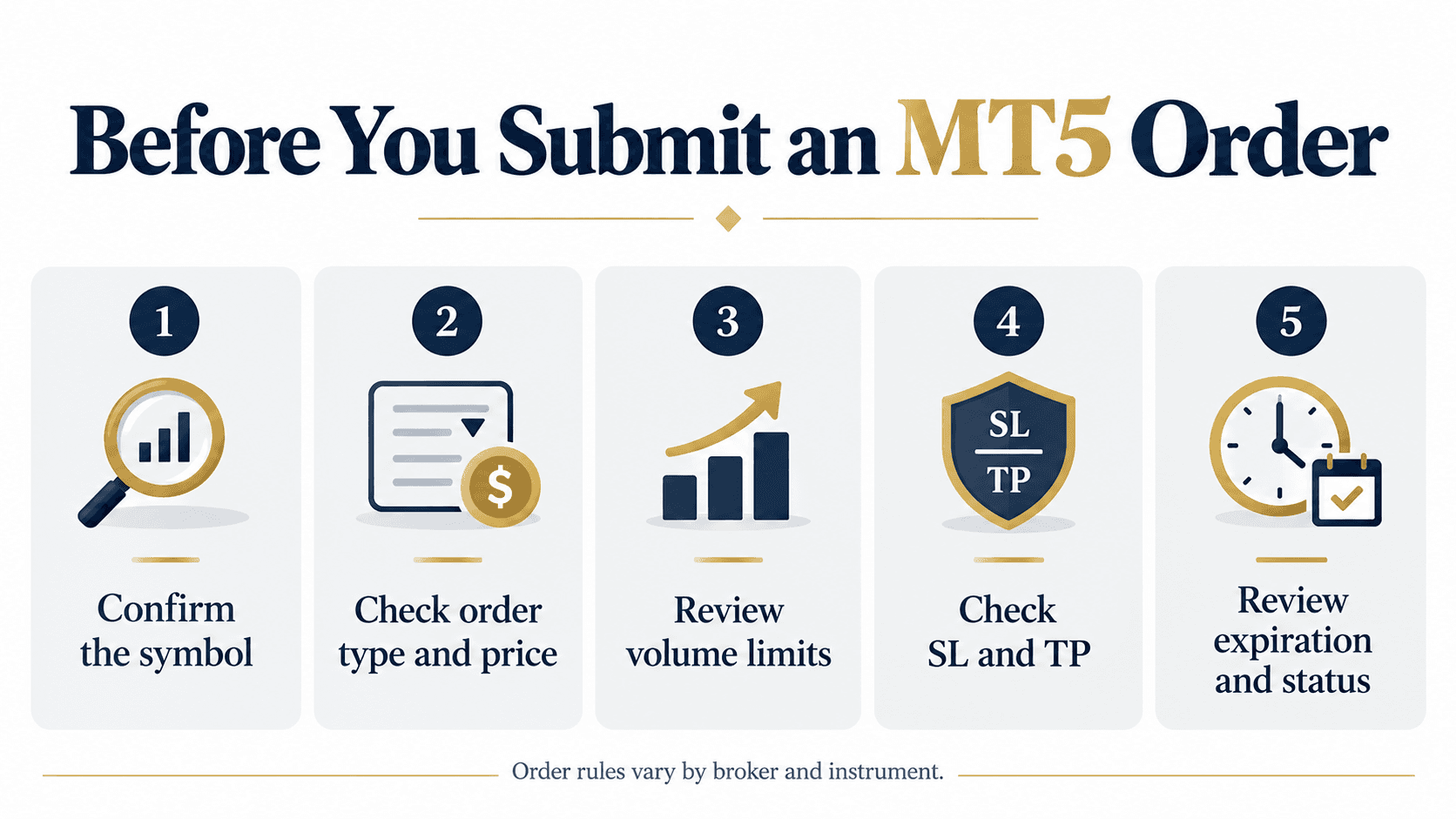
Before placing a market or pending order in MT5, review the order window carefully:
- Symbol: Confirm the instrument name, including any broker-specific suffix.
- Order type: Check whether you selected Market, Limit, or Stop.
- Price: For a pending order, make sure the trigger price and order type match your intended instruction.
- Volume: Confirm the quantity and the instrument’s minimum volume and volume step.
- Stop Loss and Take Profit: Check whether these levels are supported and entered as intended.
6. Expiration: If available, review when the pending order should expire.
Some instruments have a minimum distance between the current price and pending orders or protective levels. MT5 may reject an order if it does not meet the broker’s requirements. You can review available order types and conditions in the symbol specification.
After placing a pending order, you can usually review it in the Trade tab. Depending on the account and platform, you may be able to modify or delete it before it triggers. Check the order status instead of assuming it was accepted.
---
This article is for educational purposes only and is not financial or investment advice. Order availability, trigger rules, execution, and trading conditions vary by broker, account, and instrument. Trading leveraged products involves substantial risk.
Sources:
- MetaTrader 5 Help — Basic principles and order types: https://www.metatrader5.com/en/terminal/help/trading/general_concept
- MetaTrader 5 Help — Executing trades and pending orders: https://www.metatrader5.com/en/terminal/help/trading/performing_deals
- MetaTrader 5 Help — Market Watch and symbol specifications: https://www.metatrader5.com/en/terminal/help/trading/market_watch